Last Updated: November 8, 2026
Quick Summary
If your rental car breaks down, pull as far right as you can, turn on your hazard lights, shift into park and set the parking brake, then call the roadside assistance number on your rental agreement before anyone else. Give the agent your exact location, a plain description of the problem, and whether the car is drivable.
- Call the number on your rental agreement before calling anyone else.
- Have your rental contract and reservation number ready before you dial.
- At night, stay in the car with your seatbelt on and doors locked.
- Ask for a replacement vehicle the moment you call roadside assistance.
- Never arrange your own tow without written authorization or reimbursement may be denied.
Table of Contents
- Step 1: Get to a Safe Location and Make the Vehicle Visible
- Step 2: Call Rental Car Roadside Assistance and Explain the Problem
- What to Do if Your Rental Car Breaks at Night
- Who Is Responsible if a Rental Car Breaks Down?
- Getting a Rental Car Breakdown Replacement Vehicle
- When Roadside Assistance Does Not Respond
- Documenting the Breakdown for Reimbursement and Billing
- What to Do When Your 1st Choice Rentals Vehicle Has a Problem
- Frequently Asked Questions
Step 1: Get to a Safe Location and Make the Vehicle Visible
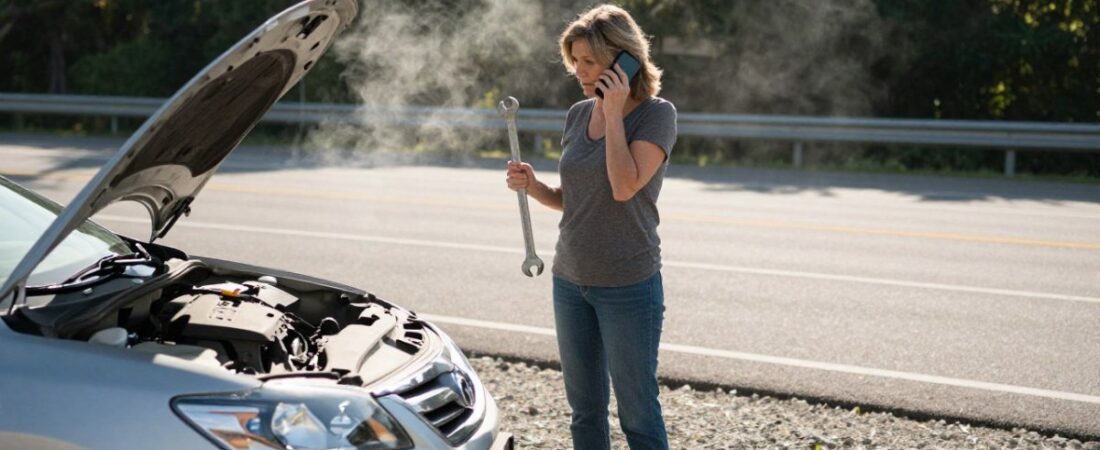
A rental car breaks down at the worst possible moment. Knowing the first move keeps you and your passengers safe. The national 911 system connects you to emergency dispatch anywhere in the country if anyone is hurt or the car is blocking a lane, per 911.gov official guidance.
Here is what to do first:
- Pull over as far right as you can, onto the shoulder or an exit ramp.
- Turn on your hazard lights right away.
- Shift into park and set the parking brake.
- Keep everyone inside if traffic is heavy. Exit on the passenger side only when it is safe.
- Place reflective triangles or flares behind the car if you carry them.
Safety comes before the phone call. Get visible, then get help.
Step 2: Call Rental Car Roadside Assistance and Explain the Problem
Rental car roadside assistance can arrange a tow, a jump start, or a tire change. Call the number on your rental agreement before you call anyone else. The rental company can send a tow truck, arrange a roadside repair, or authorize a nearby shop.
Give the agent three things:
- Your exact vehicle location, including the nearest exit or mile marker
- A plain description of the problem (engine trouble, flat tire, dead battery, overheating)
- Whether the car is drivable or not drivable
Ask for a wait time estimate and a callback number. Then stay on the line until the agent confirms a dispatch.
What to Have Ready Before You Call
Gather these before you dial so the call goes quickly:
- Your rental contract and reservation number
- Your driver’s license
- The license plate and vehicle description
- Your exact location or a dropped pin
- A list of the symptoms you noticed
- Your phone charged or a charger handy
A common mistake is calling without the contract in hand. The agent needs that number to pull up your rental coverage and roadside assistance number. Have it ready, and the call takes minutes instead of twenty.
What to Do if Your Rental Car Breaks at Night
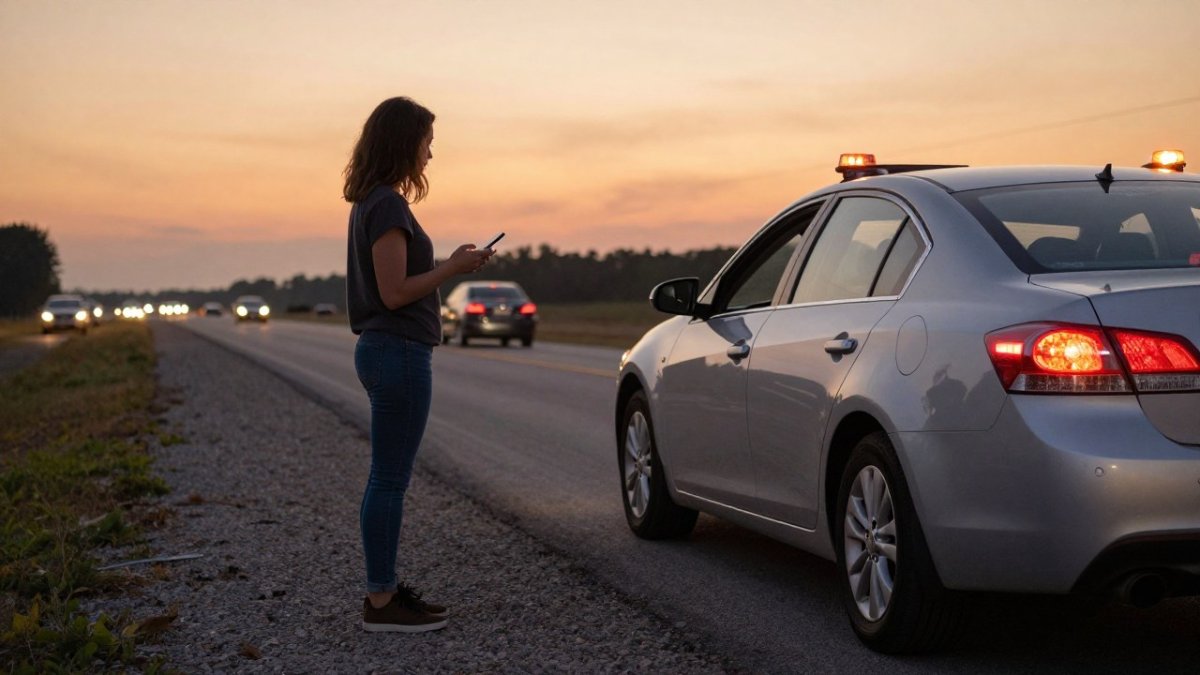
A night breakdown is mostly the same drill with one big difference: visibility. Turn on your hazard lights and interior dome light. Stay in the car with your seatbelt on if you are on a highway shoulder. Call roadside assistance and tell them it is dark so they prioritize the dispatch.
Watch out: walking along a dark shoulder to inspect the car is how people get hit. Stay put, keep your doors locked, and wait for the tow. If someone stops and offers help, ask them to call 911 rather than getting out. Only roll down the window enough to talk.
Who Is Responsible if a Rental Car Breaks Down?
Responsibility turns on the cause of the breakdown, and the rental contract is the controlling document. The Federal Trade Commission’s consumer guidance on rental cars confirms that the rental agreement sets the terms for damage, mechanical failure, and roadside assistance, so read it before you sign. Understanding how to inspect rental car safety before you drive off helps you judge fault later, and knowing the rental car maintenance standards the company should have met gives you a baseline for what counts as a mechanical failure.
Use this cause-by-cause framework to sort out who typically pays:
| Cause | Who usually bears the cost | What to do |
|---|---|---|
| Mechanical failure not caused by the driver (engine, transmission, brakes) | Rental company | Request a free tow and replacement vehicle; document warning lights |
| Flat tire from road debris | Rental company or roadside assistance, depending on contract | Ask whether the spare or a tire change is covered; keep the damaged tire |
| Flat tire from hitting a curb or pothole | Driver or driver’s insurance | Report to the rental company; your personal auto policy may cover it |
| Dead battery from leaving lights on | Driver in most contracts | Request a jump start; ask whether a service fee applies |
| Wrong fuel | Driver | Do not start the engine; call roadside assistance and your insurer |
| Lost keys | Driver | Expect a locksmith or replacement key charge; ask for the fee upfront |
| Warning light you ignored (oil pressure, overheating) | Driver if damage results | Pull over immediately; continuing to drive can turn a covered repair into your liability |
| Accident or collision | Driver or driver’s insurance, subject to damage waiver | File a police report; notify the rental company and your insurer |
A common pattern is that rental companies cover mechanical failures that are not the driver’s fault, including the tow and a replacement vehicle, while driver-caused damage falls on the renter or the renter’s insurance. The damage waiver (often called a loss damage waiver) may reduce your exposure for collision damage, but it typically does not cover lost keys, wrong fuel, or damage from ignoring a warning light.
When the Breakdown Is Your Fault
If you put the wrong fuel in, hit a curb, lost the keys, or ignored a warning light until damage resulted, expect to pay. Your personal auto policy or the rental company’s damage waiver may cover part of it. Keep every receipt and note what happened while it is fresh, including photos of the dashboard and the damage. If you dispute the charge later, see how to resolve rental billing issues for the documentation that supports your position.
Getting a Rental Car Breakdown Replacement Vehicle
Ask for a replacement vehicle the moment you call roadside assistance. Many rental companies arrange a vehicle exchange or direct you to a nearby location. Confirm three things: who pays for the tow, where to pick up the new car, and whether your rental charges pause during the swap.
If you are renting with us, you can browse the vehicles available for a swap so you know what to expect. Most swaps happen at the nearest branch, and you return the broken car there or leave it for the tow.
| Situation | Who usually arranges it | What to ask for |
|---|---|---|
| Mechanical failure, not your fault | Rental company | Free tow and replacement vehicle |
| Flat tire or dead battery | Roadside assistance | Roadside repair or spare |
| Damage you caused | You and your insurer | Tow authorization and receipts |
| Car not drivable | Rental company | Vehicle exchange at nearest location |
When Roadside Assistance Does Not Respond
A dispatched tow that never arrives is one of the most stressful breakdown scenarios, and most rental company FAQs do not tell you what to do next. The key is to escalate on a timeline rather than waiting indefinitely.
Use this escalation sequence:
- At the estimated arrival time plus 15 minutes, call the roadside assistance dispatcher back. Ask for the tow company’s name, the driver’s name, and a new ETA. Write down the time of the call and the name of the agent you spoke with.
- If the new ETA passes without arrival, call the rental company’s main customer service line (not the roadside number) and request an escalation. Ask for a case number and the name of the supervisor handling it. A common pattern is that the main line can reassign the dispatch to a different tow provider.
- If you are in an unsafe location, on a narrow shoulder, in extreme heat or cold, at night with poor visibility, or with children or passengers with mobility needs, call 911. Emergency dispatch can send a traffic break or transport passengers to a safe location even if they cannot tow the vehicle.
- If the rental company cannot dispatch a tow within a reasonable window (most practitioners treat two hours past the original ETA as the threshold for self-help), ask for written authorization to arrange your own tow. Get the authorization by email or text so you have a record.
Watch out: arranging your own tow without written authorization from the rental company is the most common reason reimbursement claims are denied. Even a verbal approval should be followed up with an email confirming the amount and the destination shop.
While you wait, document everything: screenshot the original dispatch confirmation, note each call time and the agent’s name, and photograph your location and the vehicle’s dashboard. If you ultimately file a reimbursement claim, this timeline is what supports it. For more on organizing those records, see the documentation section below.
Documenting the Breakdown for Reimbursement and Billing
Photos and receipts win reimbursement fights. Before the tow arrives, photograph the dashboard warning lights, the car’s position, the damage, and the license plate. Keep the tow receipt, any repair invoice, and a written timeline of what happened.
For guidance on sorting out charges after a breakdown, see how to resolve rental billing issues. The rule is simple: document everything, and never pay a fee you were not told about upfront.
What to Do When Your 1st Choice Rentals Vehicle Has a Problem
If a 1st Choice Rentals vehicle has a problem, call us first. We keep the process direct: reach our team through our contact page, tell us where you are and what the car is doing, and we will walk you through the next step.
A breakdown can derail a whole day, but a clear plan keeps it a minor bump. Get safe, call roadside assistance, document everything, and ask for a replacement vehicle early. At 1st Choice Rentals, we make that easier with well-maintained vehicles and a team ready to help when you need it. Get started with 1st Choice Rentals and rent with confidence today.
Frequently Asked Questions
Who pays if a rental car breaks down?
In most cases the rental company covers mechanical failures that are not your fault, including towing and a replacement vehicle. You are typically responsible for damage caused by misuse, such as putting gas in a diesel engine or driving on a flat tire. Check your rental agreement for the exact terms, and keep receipts for any out-of-pocket costs so you can request reimbursement.
Should I call roadside assistance or the rental company first?
Call the rental company’s roadside assistance number first if it is listed in your rental agreement or on the key tag. That line is set up to dispatch a tow truck and authorize repairs. If you cannot reach it, call the rental company’s customer service line. Only call 911 if there is an injury, a fire, or you are stopped in a live traffic lane.
Will the rental company provide a replacement car?
Most rental companies provide a replacement vehicle when the breakdown is a mechanical failure and one is available at the nearest location. Ask about the rental car breakdown replacement vehicle process when you call, and confirm whether you need to return the disabled car first. Availability can vary, especially on weekends and holidays, so ask for a timeline.
What should I do if my rental car breaks down at night?
Pull as far off the road as you can, turn on your hazard lights, and stay inside the car with your seatbelt on if traffic is moving fast nearby. Call rental car roadside assistance and give your exact location using mile markers or a maps pin. Keep your doors locked and do not accept help from unmarked tow trucks you did not call.
